Publish the financials for the whole community to see
Run the balance sheet, income statement, cash flow, and trial balance reports for any month, quarter, or year. Publish the ones you choose, and every homeowner can read them.
HOA Hub keeps a real set of books for your community: simple enough for a volunteer to run, open for the whole board to see, and powerful enough to satisfy a professional accountant. Easily share financial reports with your community.
Run the balance sheet, income statement, cash flow, and trial balance reports for any month, quarter, or year. Publish the ones you choose, and every homeowner can read them.
Numbered accounts, names, sub-accounts, and double-entry every transaction. Real accounting structure, so your books stay organized instead of scattered across spreadsheet tabs.
Check off each transaction as it clears the bank, and watch the difference fall to zero until your books and your statement agree.
Save vendor terms, attach receipts, contracts, and W-9s, and always know what's paid and what's due.
When combined with HOA Hub Billing, revenue posts to the general ledger immediately. No second system, no re-keying, no month-end catch-up.
No contract. Cancel anytime. Set up in under ten minutes.


Case study
Single-family home community · 33 units · Minnesota
Read the storyFor most self-managed communities, yes. You get what you actually opened QuickBooks for in the first place: a chart of accounts, journal entries, reconciliation, and real financial statements. And you get it without keeping a separate program in sync with your dues. If you still work with a CPA, the books are already clean and current at tax time, with no year-end cleanup to do first.
A double-entry general ledger, a customizable chart of accounts, real financial statements, budgets, bank reconciliation, accounts payable, and vendor management. Dues themselves live in Billing, and everything collected there posts straight to your books.
Balance sheet, income statement, cash flow, trial balance, and account activity. Run any of them for a single month, a quarter, year to date, or a full fiscal year, and publish the ones your community should see.
It does. Every transaction posts to a real general ledger as a debit and a credit, on a numbered chart of accounts. It's the same structure a professional accountant expects to find.
Manual journal entries are there whenever you need them, and you can set up recurring ones for the entries that repeat every month.
Completely. Start from a numbered chart of accounts and adjust the numbers and names to match how your community keeps its books. You can even have sub-accounts.
It supports both. Run your accounting on whichever basis your community uses, and keep the books there year to year.
They're kept on separate books. Reserve money never gets mixed in with day-to-day operating funds, so you always know exactly what belongs to each.
Build monthly and annual budgets for both your operating and reserve funds, watch actuals track against them through the year, and publish them for the community to see.
Accounts payable is built in. Enter and track bills, save vendor profiles with a default expense account and payment terms, and always know what's paid and what's still due. You can upload contracts and W-9 directly to the vendor record.
Right on the expense. Upload a receipt or invoice to any expense and the backup stays attached to the record, ready for anyone who needs to see it.
Check off each transaction against your bank statement as it clears. HOA Hub keeps a running total of what's cleared and what's still outstanding, so you watch the difference fall to zero and know your books and your bank agree to the penny. No calculator or stack of printouts.
When paired with HOA Hub Billing, everything collected in Billing posts to the general ledger the moment it clears, so there's no second program to keep in sync and nothing to re-key by hand.
You can grant read-only access to other board members to see the financials in HOA Hub. Anyone on the board can pull the same current statements any day, not only whoever is keeping the books this year.
Exactly what you publish, and nothing more. A published report is a snapshot from the day you release it, not a live feed from your books, so residents see the numbers only once the board is ready to share them. You decide which reports and budgets go public, and when.
Give them their own login and they work directly in the books, with a full transaction history and a timestamped audit trail of who recorded what and when. No shoebox of receipts to hand over.
On every entry. It's timestamped and attributed to the person who made it, so you can always see who recorded what and when.
It's built to GAAP, the generally accepted accounting principles that professional accountants and auditors work to. The statements are structured the way a CPA expects to see them, which is what lets them hold up when someone checks.
Keep real books a volunteer can run, and publish them when the board is ready, so every homeowner can see where their dues go. It all lives with your dues, documents, and residents, on every HOA Hub plan.
Automate dues, take online payments, manage late fees and payment plans, and export to QuickBooks. No separate billing tool required.
Explore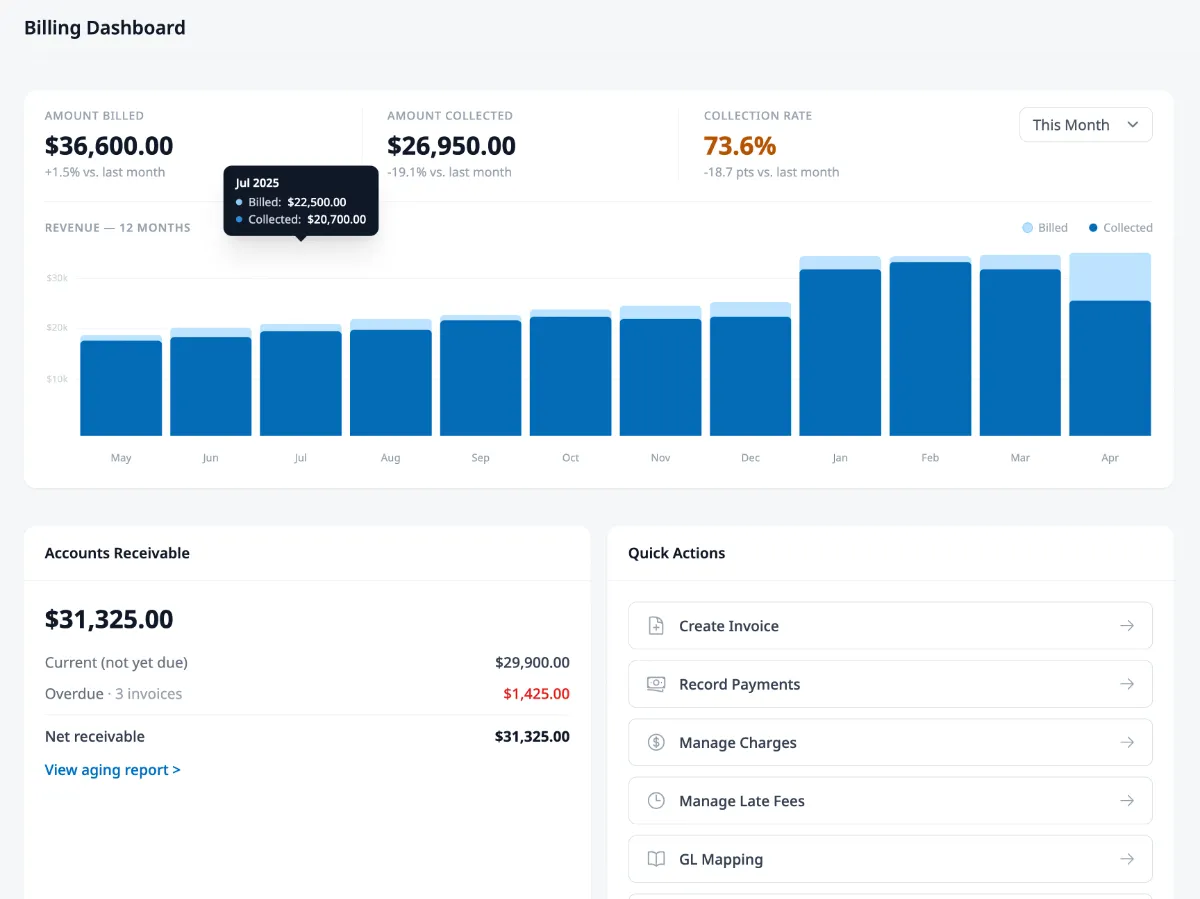
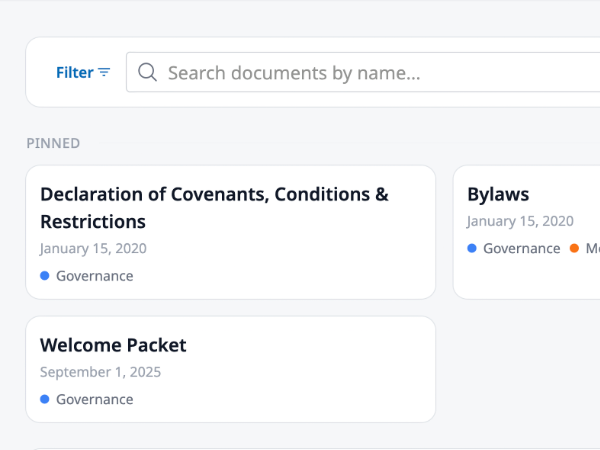
Every covenant, bylaw, and meeting minute in one searchable place. Homeowners find their own answers and the board keeps its evenings.
Explore