Always know exactly where collections stand
Invoices go out on schedule, every payment lands in one ledger, and your collection rate updates in real time. No spreadsheet to reconcile, and no tracking down who still owes.
HOA Hub bills your whole community on schedule, collects by card, bank, or check, and applies late fees for you. You spend a fraction of the time on dues, and finally run them confidently without spreadsheets and manual emails.
Invoices go out on schedule, every payment lands in one ledger, and your collection rate updates in real time. No spreadsheet to reconcile, and no tracking down who still owes.
Autopay with our conveninent Stripe integration allows homeowners to pay by card or bank transfer, so dues collect themselves.
Our built-in payment plans let homeowners who fall behind catch up over time, with late fees pausing automatically while they do.
A live billing dashboard and aging report show revenue, open balances, and exactly who’s overdue and by how much, any day of the month.
Watch the board set up dues and collect payments, and how homeowners pay online, enroll in autopay, and catch up on a payment plan.
No contract. Cancel anytime. Set up in under ten minutes.


Case study
Single-family home community · 33 units · Minnesota
Read the storyNo. Billing works out of the box with manual payment entry — record checks, cash, money orders, and bank transfers and the whole system runs. When you're ready to offer online payments, HOA Hub walks you through connecting Stripe with a friendly, guided flow. No technical knowledge required.
Yes. Once you connect Stripe through HOA Hub's guided setup (no technical knowledge needed), homeowners can pay by card or bank transfer, enroll in autopay, and manage their own payment methods from any device.
Automatic late fee rules apply based on your configured grace period and amount (flat or percentage). For homeowners who fall behind, you can create payment arrangements to spread their catch-up over time, and late fees pause automatically while the plan is active.
Yes. Export transactions as CSV, OFX, IIF, or QBO with configurable chart of accounts mapping, so you can hand clean, accountant-ready data to your bookkeeper in seconds.
Automate dues, collect online, manage delinquency with structure, and close the books with one export all in the same platform where your data already lives.
Your community's complete directory in one place: households, property affiliations, communication history, and tags.
Explore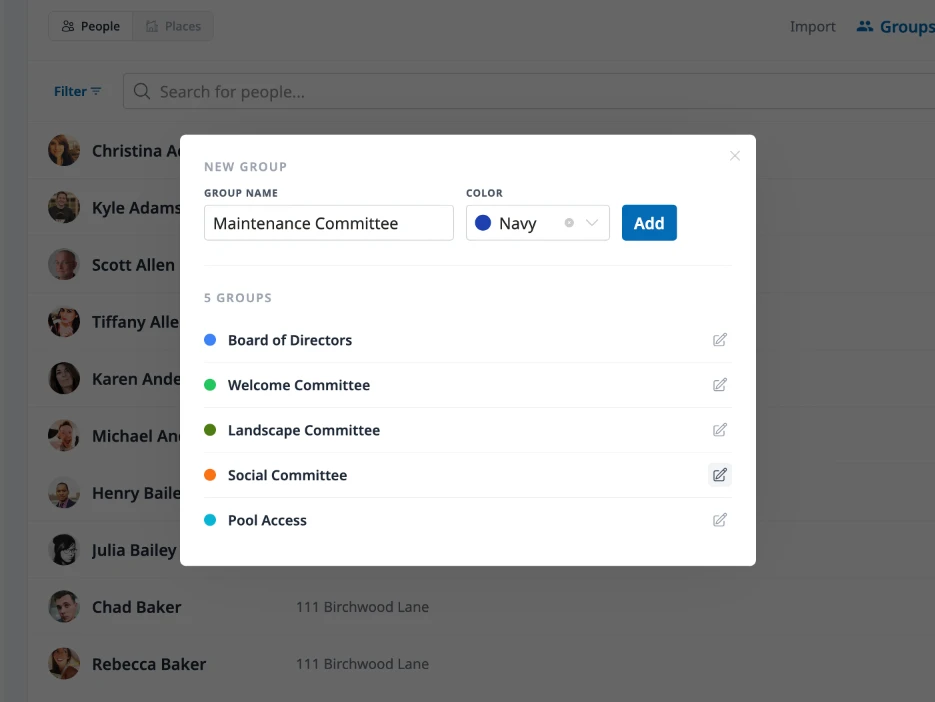
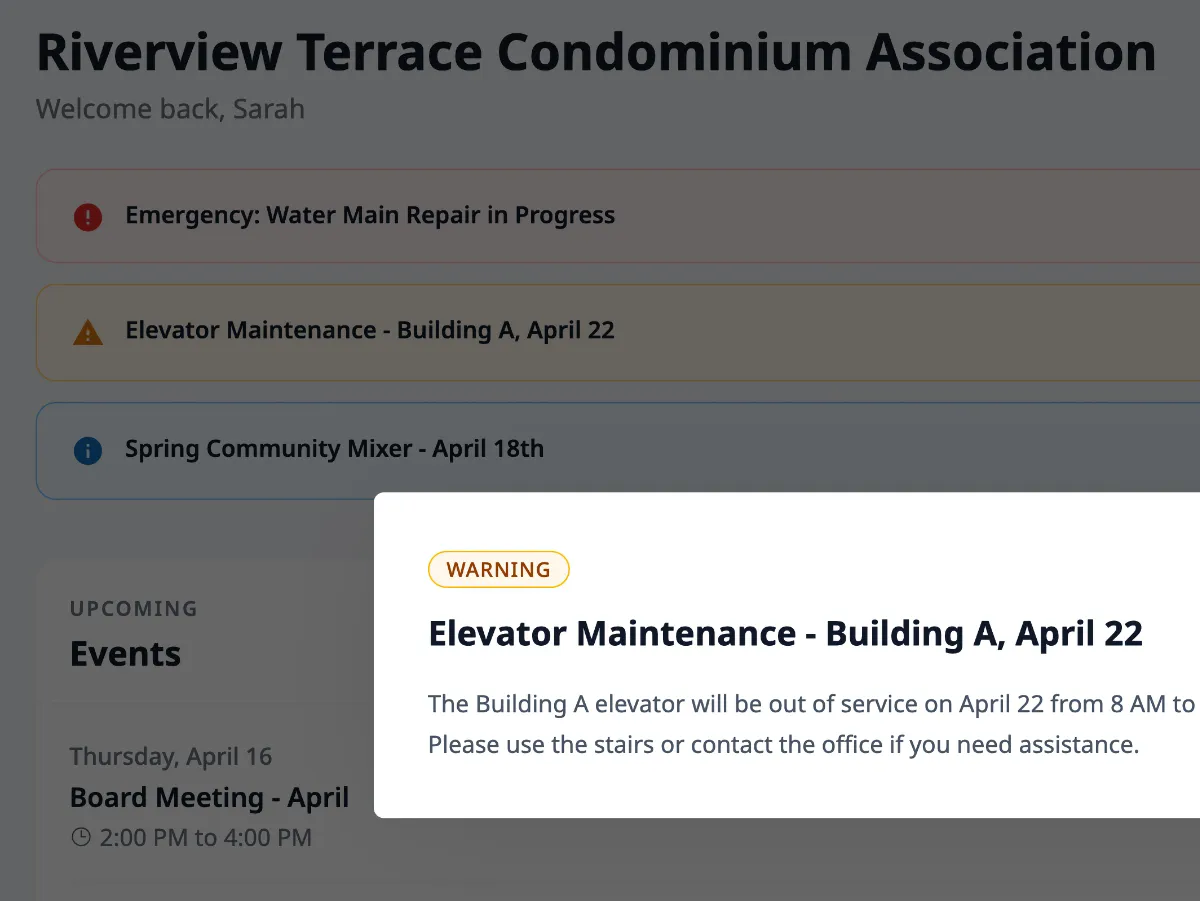
Reach every resident with targeted email, dashboard announcements, and emergency text alerts. Every message tracked, every resident heard.
Explore